100% Security
Instant Download 24/7
10+ Years of Service

Need Some Help?

If you need further information about purchasing commercial downloadable software, before or after ordering, please read our Questions and Answers. Please also refer to our Terms of Sale. If you need to remove software, please contact our support team from the Contact Us page.

0 Reviews
$12.00
$65.99
Save 82%

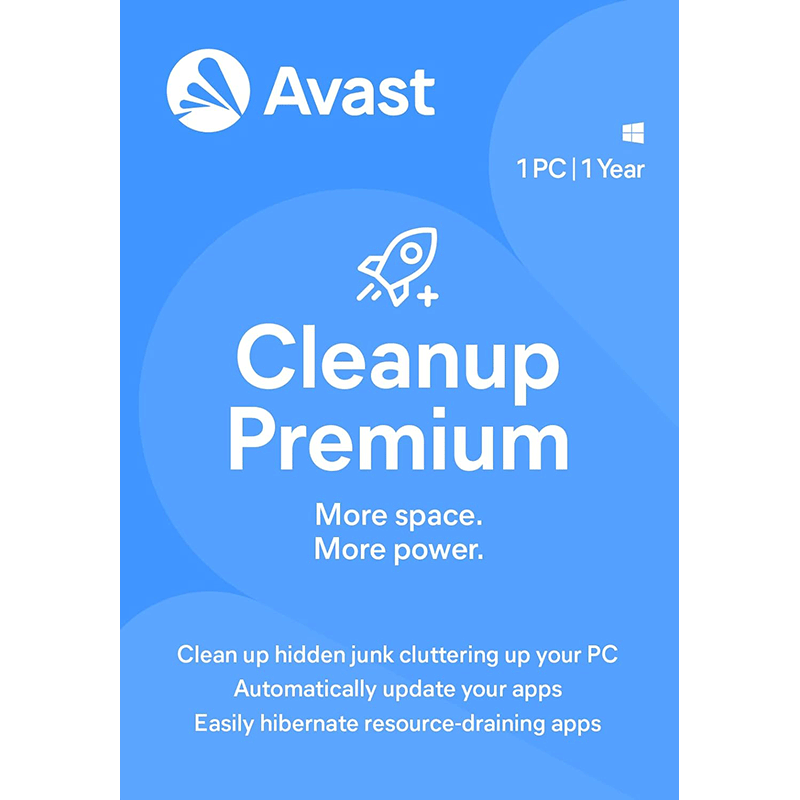
Avast Cleanup Premium 2026 [1-PC, 1-YR]

includes a 1-PC, 1-YR licence

Offer Ends

Need Some Help?

If you need further information about purchasing commercial downloadable software, before or after ordering, please read our Questions and Answers. Please also refer to our Terms of Sale. If you need to remove software, please contact our support team from the Contact Us page.

+ login to earn points
Platform
Windows 10
Windows 11
Windows 7 (32 bit)
Windows 7 (64 bit)
Windows 8
Version
2026
Manufacturer
Last Updated
30 April 2026
Download Size
49.00 MB

Do you remember how nippy your PC felt when it was brand new? If your computer loads more slowly, apps take longer to open and everything just feels that bit more sluggish, don’t worry. Your computer isn’t succumbing to the ravages of time – armed with the right tools, like Avast Cleanup Premium 2026, you can wind back the clock and restore it to something like its original condition.

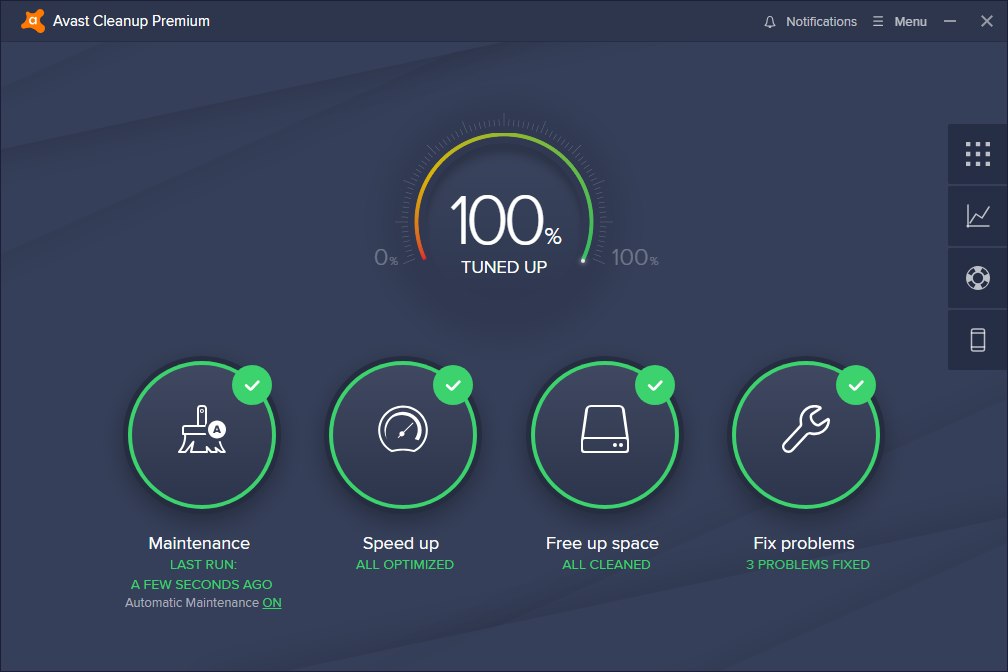
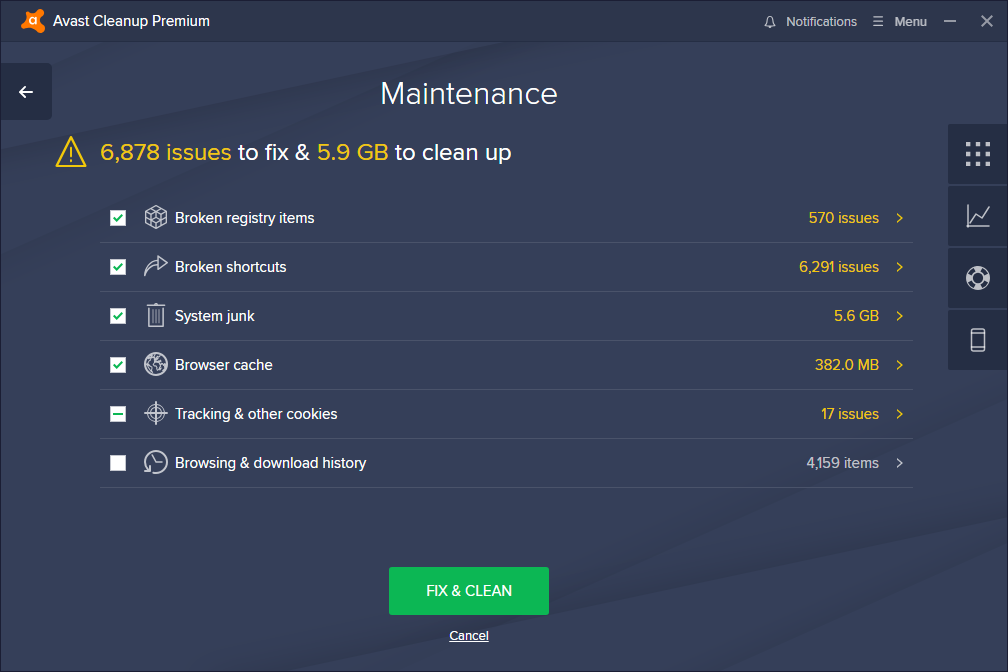
Avast Cleanup Premium is designed to give your PC a much-needed performance boost with a comprehensive collection of cleanup and optimisation tools. Start by employing Cleanup’s junk-cleaning tools to identify gigabytes of files left behind by hundreds of applications, your web browser and even Windows itself.

Next, let Cleanup Premium identify long-forgotten programs and bloatware, highlight the worst offenders, and help you remove them thoroughly from your PC to free up more space and system resources. There’s even an Uninstall Simulator that can temporarily remove apps in case you’re not sure whether they’re needed or not.

For the programs that remain, Cleanup’s Sleep Mode lets you ensure they’re not wasting valuable system resources without forcing you to disable or remove them entirely. These programs can be put to ‘sleep’ on demand, or have Sleep Mode intelligently monitor them so they can access the resources they need while running before being put back to sleep.

You’ll also benefit from a variety of maintenance and fix-it tools, as well as a comprehensive program updater that scans your system for outdated programs and updates them all from one convenient place. In short, Avast Cleanup Premium 2026 makes your PC feel fitter and faster in no time!

Includes a 1-device, 1-Year licence

Review by Nick Peers.

Performance Issues?

Most system performance issues are often a result of other software clashing with your brand new software. For instance, security software can clash with a background process, such as a system maintenance tool or defragmentation software. Another cause of system slowdown, is a result of two software applications performing a similar task. As an example, Windows includes a firewall switched on as a default. Your new security suite is likely to include a firewall. You only need one firewall running. In this example, try turning off your system firewall.

Uninstalling Your New Software

Occasionally you may need to either temporarily or permanently remove your new software.

On a Windows computer, go to the Control Panel and choose Programs and Features. Locate the program within the list, then click it to highlight it. Finally, click the Uninstall button at the top of the list and follow the instructions to remove the program from your PC.

On an Apple Mac computer, using Finder, locate the Applications folder. Within the Applications folder, find the name of the application you wish to remove. Simply drag the icon to your Trash icon in your dock. Empty the Trash to remove the files from your computer.

Still Having Problems?

If you cannot solve your system performance issues or are struggling to remove your software, we advise contacting the software manufacturer. If you placed an order, see the section in the order which states Support options. Alternatively, go to the Contact Us page to contact store support directly.

Write a review

Find What You Need!
Payment Methods
Trusted Partners
McAfee Bitdefender Auslogics Avast Software Norton Microsoft
100% Security
Instant Download 24/7
10+ Years of Service