100% Security
Instant Download 24/7
10+ Years of Service

Need Some Help?

If you need further information about purchasing commercial downloadable software, before or after ordering, please read our Questions and Answers. Please also refer to our Terms of Sale. If you need to remove software, please contact our support team from the Contact Us page.

0 Reviews
$24.99
$57.99
Save 57%

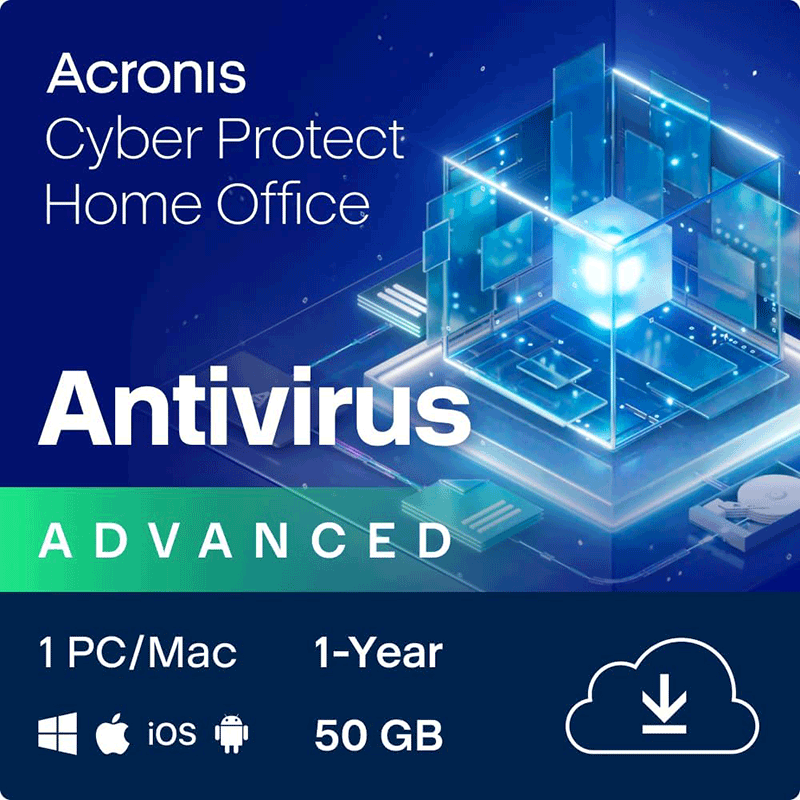
Acronis True Image 2026 Advanced [1-D, 1-YR, 50GB]

Includes 1-Device PC or Mac 1-Year license, with 50GB cloud storage

Offer Ends

Need Some Help?

If you need further information about purchasing commercial downloadable software, before or after ordering, please read our Questions and Answers. Please also refer to our Terms of Sale. If you need to remove software, please contact our support team from the Contact Us page.

+ login to earn points
Platform
macOS
Windows 10
Windows 11
Version
2026
Manufacturer
Twitter
Last Updated
30 April 2026
Download Size
269.00 MB

Acronis may have rebadged its Cyber Security package back to Acronis True Image, but it hasn’t dropped any features in the process. As previously, this license gives you access to backup, drive cloning and cybersecurity tools.

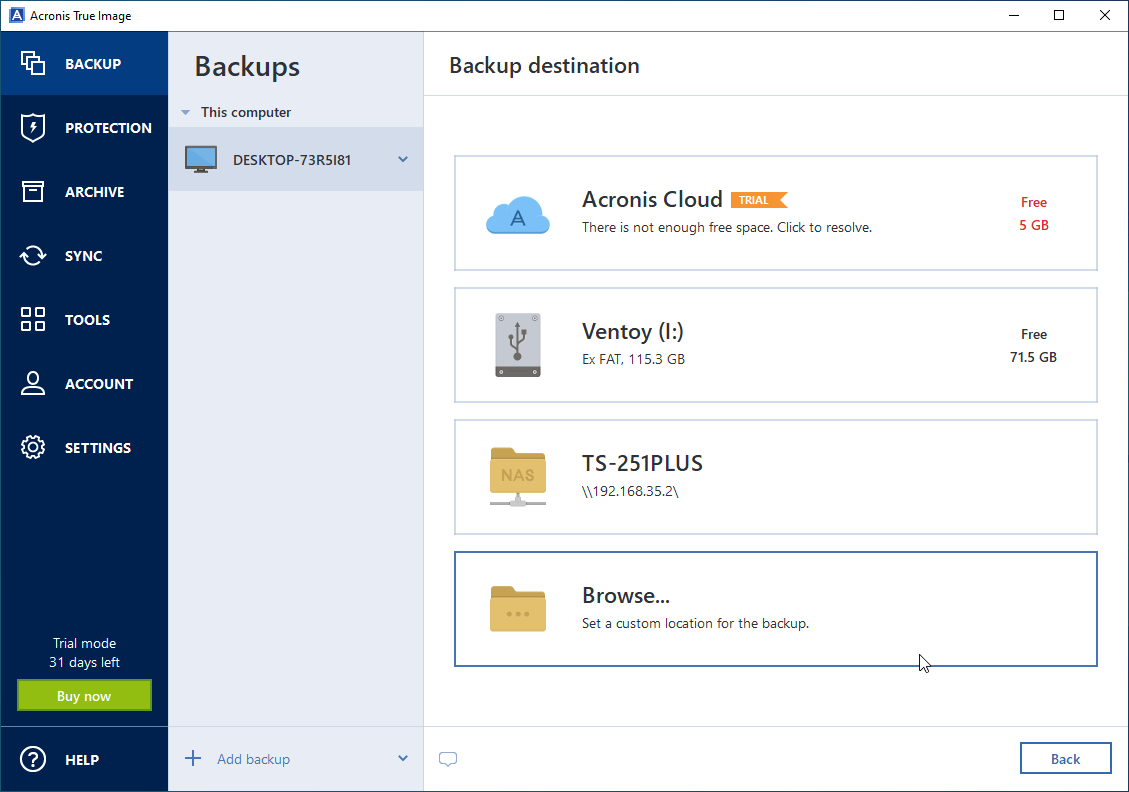
At True Image’s heart is its backup tools, which allow you to back up everything from individual files and folders to full partitions, drives and even your entire computer. This not only protects you against data loss but also against system crashes and corruption, allowing you to roll your PC or Mac back to working order in minutes with minimal effort, disruption or stress. You can opt to save your backups locally, store up to 50GB of data in Acronis’ secure online servers, or automatically replicate local backups in the cloud for an additional layer of protection.

All the backup tools you need are present, starting with a choice of backup types (full, differential and incremental) to give you multiple points of recovery without filling your hard drive with redundant data. Scheduled backups let you get on with your life, knowing Acronis is automatically protecting your data and system in the background. Plus, there’s a tool to create bootable rescue media, so you can restore your computer even if Windows or macOS refuses to boot.

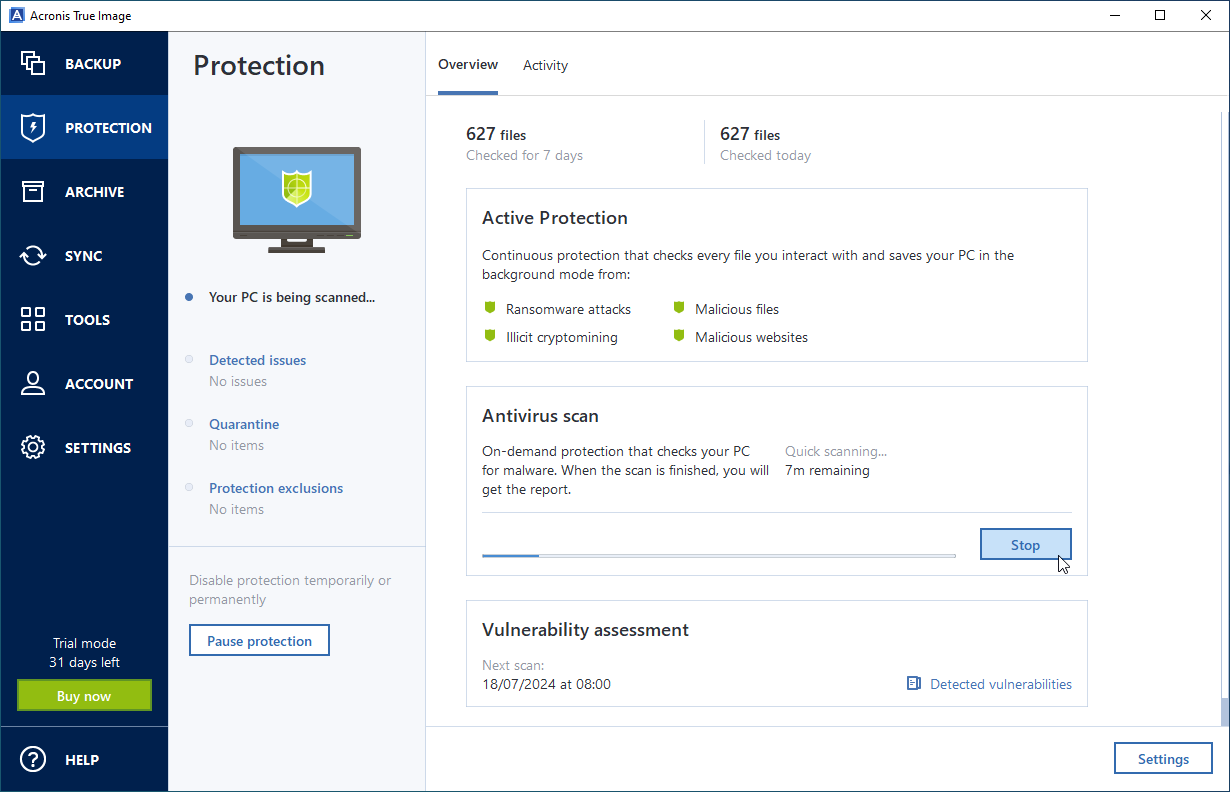
Alongside the backup tools, you’ll find disk-cloning tools – perfect for upgrading to a faster or larger drive, or for migrating to a new computer with minimal fuss. And there’s also a comprehensive set of security tools, including real-time anti-malware protection, vulnerability assessments, patch management and dedicated tools to protect your data from ransomware and cryptojacking.

Includes a 1-Device (either PC or Mac), 1-Year license with 50GB cloud storage.

Review by Nick Peers.

Performance Issues?

Most system performance issues are often a result of other software clashing with your brand new software. For instance, security software can clash with a background process, such as a system maintenance tool or defragmentation software. Another cause of system slowdown, is a result of two software applications performing a similar task. As an example, Windows includes a firewall switched on as a default. Your new security suite is likely to include a firewall. You only need one firewall running. In this example, try turning off your system firewall.

Uninstalling Your New Software

Occasionally you may need to either temporarily or permanently remove your new software.

On a Windows computer, go to the Control Panel and choose Programs and Features. Locate the program within the list, then click it to highlight it. Finally, click the Uninstall button at the top of the list and follow the instructions to remove the program from your PC.

On an Apple Mac computer, using Finder, locate the Applications folder. Within the Applications folder, find the name of the application you wish to remove. Simply drag the icon to your Trash icon in your dock. Empty the Trash to remove the files from your computer.

Still Having Problems?

If you cannot solve your system performance issues or are struggling to remove your software, we advise contacting the software manufacturer. If you placed an order, see the section in the order which states Support options. Alternatively, go to the Contact Us page to contact store support directly.

Write a review

Find What You Need!
Payment Methods
Trusted Partners
McAfee Bitdefender Auslogics Avast Software Norton Microsoft
100% Security
Instant Download 24/7
10+ Years of Service