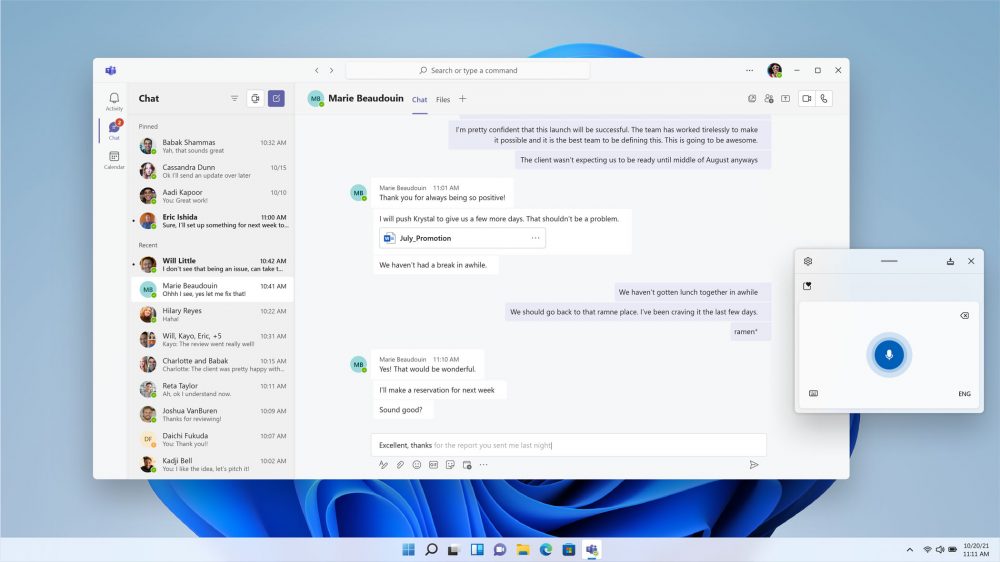
Does your PC currently run Windows 11 Home Edition, and would you like to upgrade to the Professional Edition at an affordable price? If so, this license is for you. Note: it only works on PCs running an activated copy of Windows 11 Home; if you’re looking to install Windows 11 from scratch, or need a license for your VM, consider one of our Home or Professional licenses instead.
Windows 11 Professional includes everything you’ve already got in Windows 11 Home Edition, but adds the following features that will appeal to those in a work environment as well as power users:
Comparing Windows 11 Pro vs Home
| Feature |
Home |
Pro |
| BitLocker Encryption |
× |
✓ |
| Remote Desktop |
× |
✓ |
| Hyper-V Virtualization |
× |
✓ |
| Group Policy Controls |
× |
✓ |
| Best for |
Basic Users |
Businesses & Power Users |
Best for
Pro
Businesses & power users
If you’re unsure which version is right for you, our Windows 11 Home vs Pro comparison guide explains the key differences
Upgrading is simple: once purchased, open Settings on your Windows 11 Home PC and navigate to System. Scroll down and select About, then scroll down again to the Related section. Click “Product key and activation” and click the Change button next to Change product key to input your Windows 11 Professional Upgrade product key. Follow the prompts, rebooting if prompted, to activate and complete the upgrade.
Remember, this Windows 11 Professional Upgrade can only be used to upgrade a PC running an activated copy of Windows 11 Home.
Includes a 1-PC upgrade license.
Review by Nick Peers.