100% Security
Instant Download 24/7
10+ Years of Service

Need Some Help?

If you need further information about purchasing commercial downloadable software, before or after ordering, please read our Questions and Answers. Please also refer to our Terms of Sale. If you need to remove software, please contact our support team from the Contact Us page.

0 Reviews
$19.99
$119.99
Save 83%

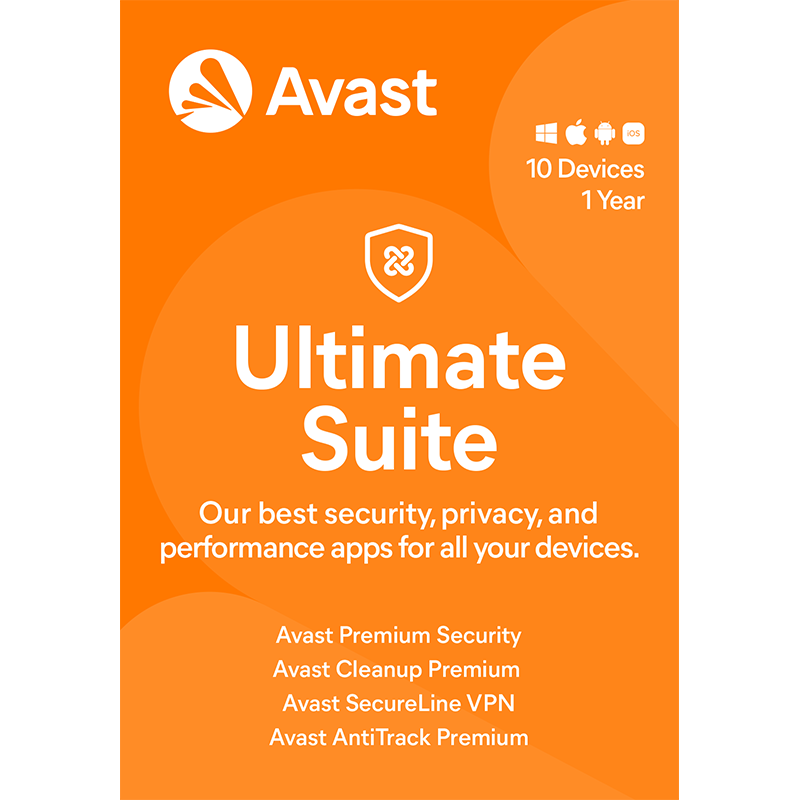
Avast Ultimate 2026 [10-Device, 1-YR]

includes a 1-Year subscription, for 10 devices

Offer Ends

Need Some Help?

If you need further information about purchasing commercial downloadable software, before or after ordering, please read our Questions and Answers. Please also refer to our Terms of Sale. If you need to remove software, please contact our support team from the Contact Us page.

+ login to earn points
Platform
Android
iPad
iPhone
macOS
Windows 10
Windows 11
Version
2026
Manufacturer
Last Updated
30 April 2026
Category
Download Size
14.00 MB

The clue is in the name: this really is the ultimate lineup of Avast’s security, privacy, and performance tools for all your desktop and mobile needs. Everything you need can be found in four apps, with a licence that allows you to install the tools on up to ten Windows, Mac, Android and iOS devices at once.

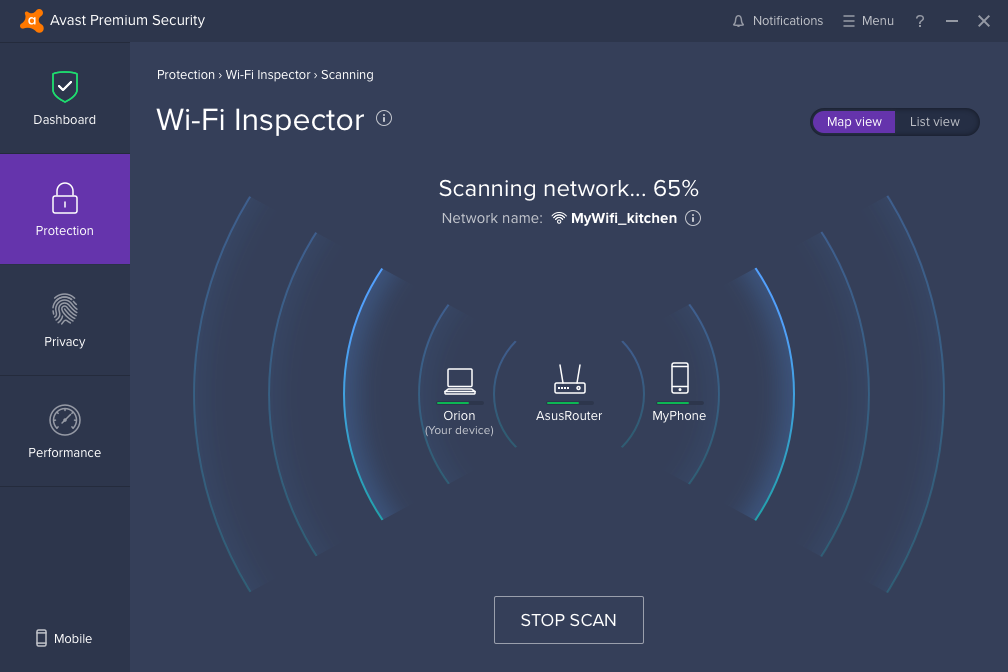
Avast Ultimate opens with Avast Premium Security for all your devices, providing comprehensive protection against malware, including viruses, spyware, and ransomware. There’s a built-in firewall to block hackers and other unwanted intruders and protection against scams and fakes, both on the web and in your inbox. You can also protect your Windows PCs from deepfakes (including video-based scams) using Deepfake Guard, 

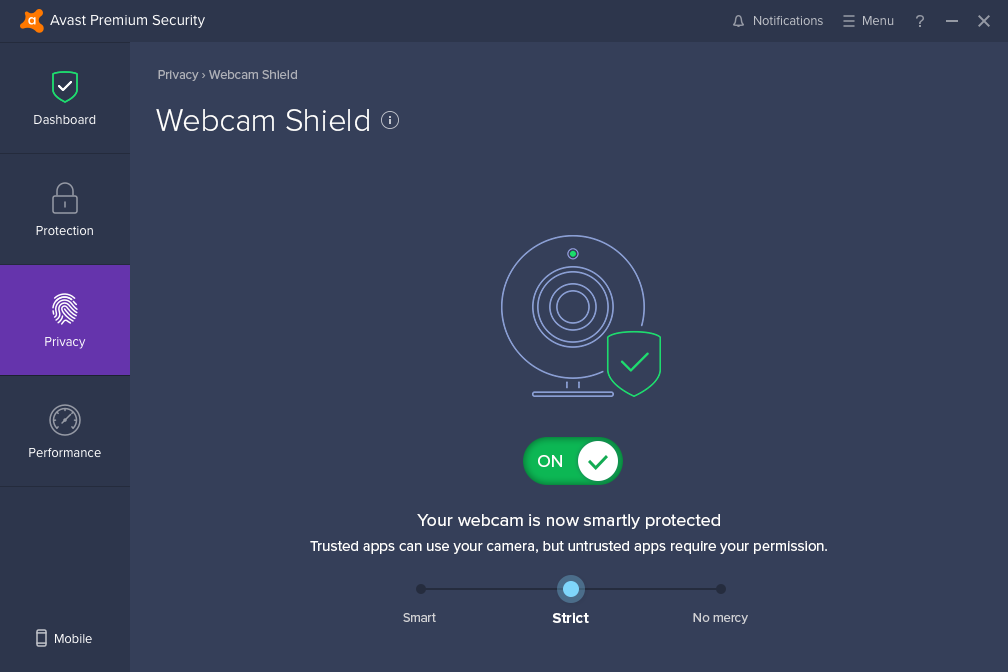
Two tools work together to protect your privacy online. Avast SecureLine VPN works across all your devices to mask your location and public IP address, and provides a secure, encrypted tunnel for all your internet traffic when connecting to untrusted networks, such as public Wi-Fi hotspots. Meanwhile, Avast AntiTrack helps keep your browsing privacy intact on Mac and PC with tools to detect, alert and block trackers, plus mask your online fingerprint, which is used to uniquely identify you online.

Finally, Avast Cleanup Premium is designed to give your Mac, PC, and Android devices a much-needed performance boost with a comprehensive collection of cleanup and optimisation tools. Clear off unwanted junk from your hard drive, put unused programs to sleep so they don’t waste system resources and keep your hard drives defragged and optimised. There’s also a software update tool that handles the hard work of identifying app updates for you, letting you update them all from one convenient place.

Includes a 10-device, 1-Year licence

Review by Nick Peers.

Performance Issues?

Most system performance issues are often a result of other software clashing with your brand new software. For instance, security software can clash with a background process, such as a system maintenance tool or defragmentation software. Another cause of system slowdown, is a result of two software applications performing a similar task. As an example, Windows includes a firewall switched on as a default. Your new security suite is likely to include a firewall. You only need one firewall running. In this example, try turning off your system firewall.

Uninstalling Your New Software

Occasionally you may need to either temporarily or permanently remove your new software.

On a Windows computer, go to the Control Panel and choose Programs and Features. Locate the program within the list, then click it to highlight it. Finally, click the Uninstall button at the top of the list and follow the instructions to remove the program from your PC.

On an Apple Mac computer, using Finder, locate the Applications folder. Within the Applications folder, find the name of the application you wish to remove. Simply drag the icon to your Trash icon in your dock. Empty the Trash to remove the files from your computer.

Still Having Problems?

If you cannot solve your system performance issues or are struggling to remove your software, we advise contacting the software manufacturer. If you placed an order, see the section in the order which states Support options. Alternatively, go to the Contact Us page to contact store support directly.

Write a review

Find What You Need!
Payment Methods
Trusted Partners
McAfee Bitdefender Auslogics Avast Software Norton Microsoft
100% Security
Instant Download 24/7
10+ Years of Service